How Data Flows
Your input → Google Maps API → Aerosync GMB Scraper → Displayed results → Export in your chosen format
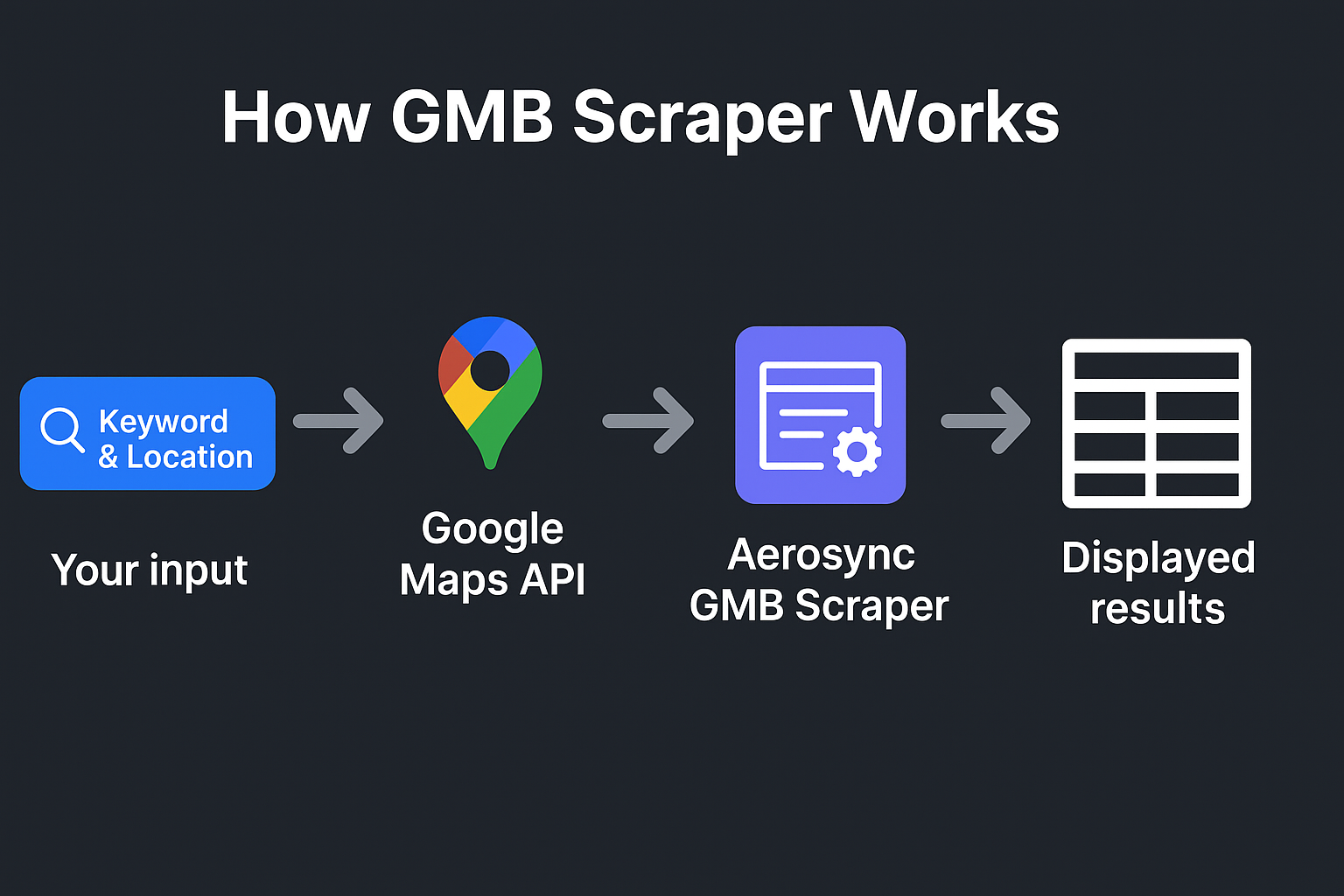
Understand how Aerosync’s GMB Scraper extracts verified business data from Google Maps using the official Google API — safely, accurately, and instantly.
Start by typing your target keyword — for example, “salon,” “dentist,” or “restaurant” — along with the city or area you want to search in. The tool uses these parameters to query Google Maps.
Once you submit, the tool securely connects to Google’s official Places API. This ensures all information fetched is accurate, verified, and compliant with Google’s terms.
The API returns matching businesses along with their public data — name, address, phone number, website, ratings, and total reviews — which are displayed instantly in a clean table view.
You can easily export the results in CSV or Excel format for marketing campaigns, research, or local SEO work — all with a single click.
Use this verified business data to build local business lists, outreach campaigns, or analyze competition in any city — without manual effort or scraping violations.
Your input → Google Maps API → Aerosync GMB Scraper → Displayed results → Export in your chosen format
Start using the free Google Business Profile Lookup Tool today and discover valuable local business insights in seconds.
Use the Tool NowYes, all business information is fetched directly from Google’s verified business listings using the official Places API.
No, you can use Aerosync’s hosted version directly. Developers can also connect their own Google API for extended use.
Yes! You can export results instantly in CSV or Excel format, making it easy to use in Excel, Google Sheets, or CRMs.
Absolutely. It complies fully with Google’s API policies and uses only publicly available data.